
Download Volume Mixer PRO – audio mixer, volume control, application audio, PC audio management, Windows utility
Overview
Volume Mixer PRO is a Windows-based utility designed to streamline audio management for users who rely on multiple applications with varying sound outputs. The app addresses the common challenge of managing individual application volumes within a single system, a task often cumbersome through default operating system tools. By offering precise control over each active audio source, Volume Mixer PRO enables users to customize their listening experience without switching between programs or navigating complex system settings.
Targeted primarily at gamers, content creators, and multitaskers, the app provides a dedicated solution for real-time audio adjustments. Gamers can balance game audio with voice chat, while content creators can fine-tune background music, voiceovers, and streaming inputs simultaneously. The app’s lightweight nature ensures it runs efficiently without consuming significant system resources, making it suitable for both high-performance machines and standard configurations.
Developed by Thomas P. Larson, the application reflects a focused effort to simplify a niche but critical aspect of digital productivity. Although the developer did not provide additional technical details about the development process or broader product roadmap, the app’s release suggests a commitment to user-centric design and functionality. In the Windows utility ecosystem, Volume Mixer PRO fills a gap left by basic system audio controls, offering a specialized tool for users who demand precision and efficiency in audio workflows.
Key Features & Functionality
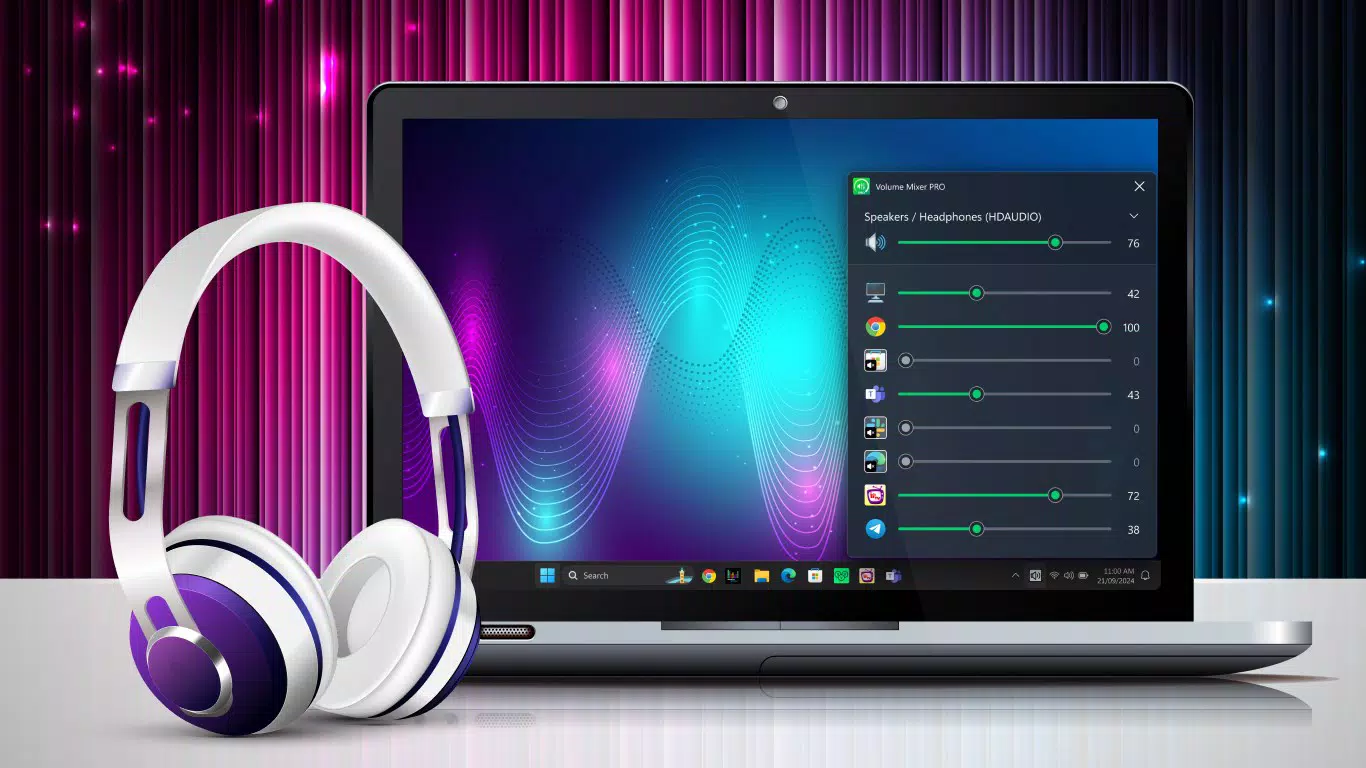
- Precise Volume Control: Users can adjust the volume levels of individual applications using dedicated sliders. This allows for fine-tuned audio balancing, such as lowering music playback while keeping a video conference at full volume.
- Intuitive Interface: The layout is designed for quick access, minimizing navigation steps. A clean, minimal design ensures users can identify and manage audio sources without confusion or delay.
- Minimal System Impact: The app operates efficiently in the background with low CPU and memory usage, ensuring it does not interfere with performance during gaming, streaming, or editing sessions.
- Easy Audio Source Management: All active audio applications are displayed in a single list, enabling instant identification and adjustment. Users can quickly mute or boost specific sources without opening each application’s settings.
- Professional Audio Management: Despite its simplicity, the app supports advanced use cases such as multi-source audio mixing, making it suitable for both casual users and those requiring consistent, reliable audio control.
For example, a streamer can use Volume Mixer PRO to lower the volume of background music while increasing the mic input, all in real time. Similarly, a remote worker managing multiple video calls and music playback can adjust each source independently to avoid audio overlap or distortion.
Interface, UX & Performance
The interface of Volume Mixer PRO follows a minimalist design philosophy, prioritizing clarity and functionality. Audio sources are listed in a vertical panel, each accompanied by a labeled volume slider and a mute toggle. The visual layout is clean, with consistent spacing and legible text, reducing cognitive load during frequent adjustments.
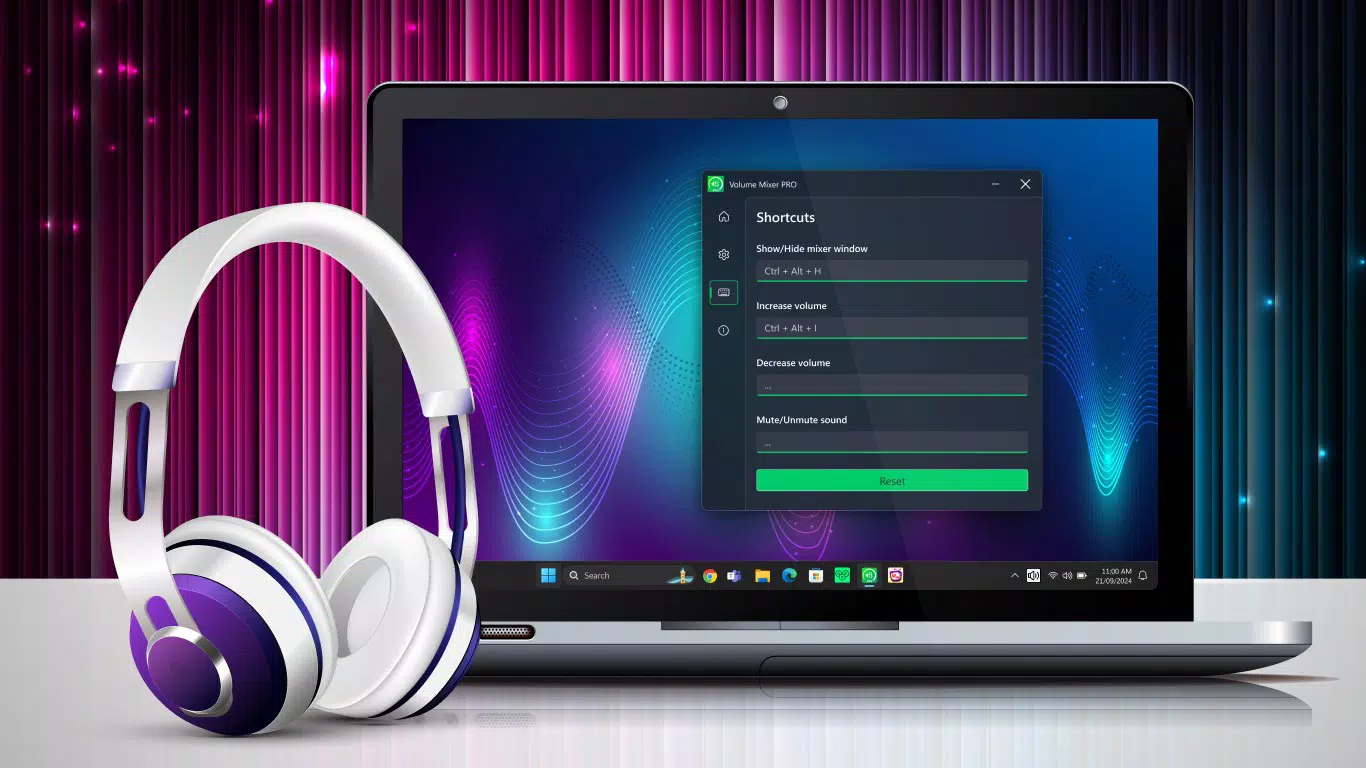
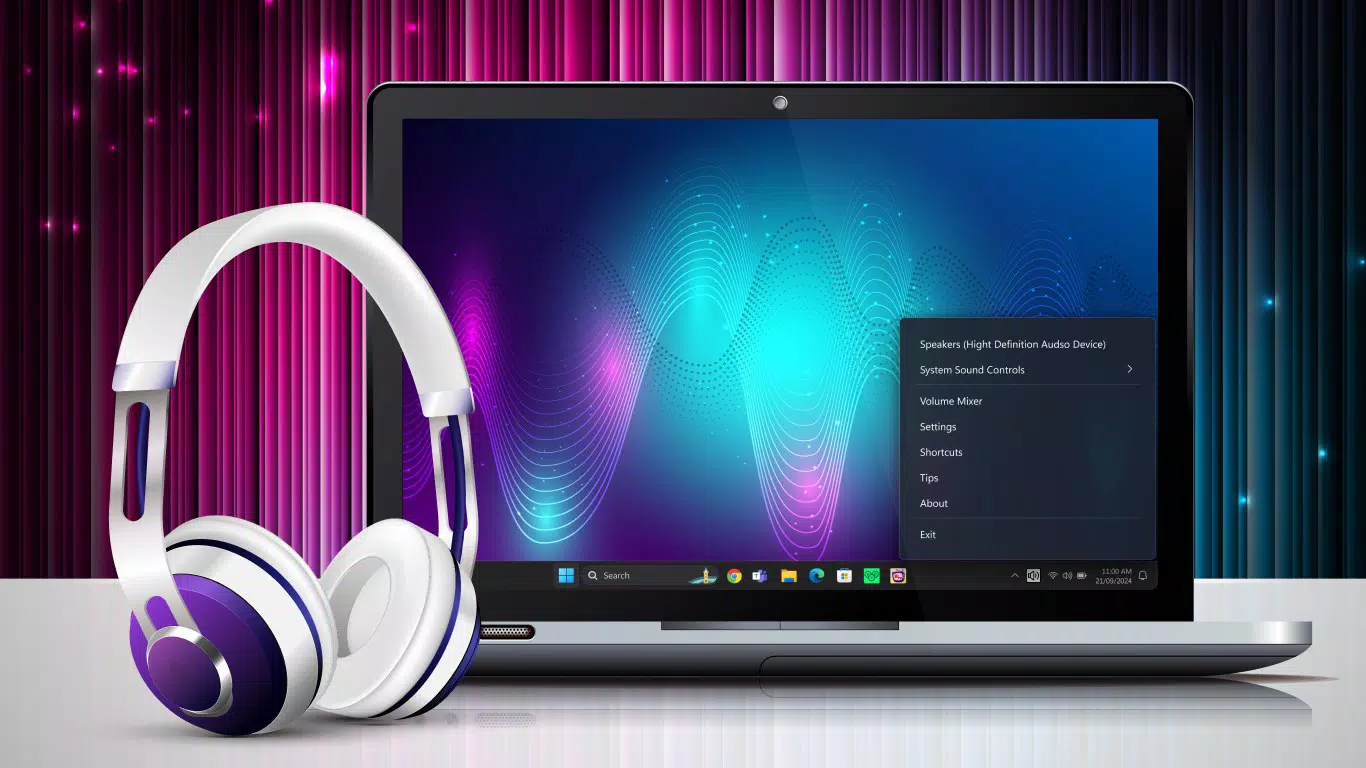
Navigating the app is straightforward, with no hidden menus or complex workflows. Users can access the full feature set from a single window, which enhances usability across different skill levels. The responsiveness is smooth, with immediate feedback when adjusting sliders or toggling mute states.
Although the developer did not list formal performance metrics, the app’s file size of 12.4 MB suggests a lightweight footprint. It is designed to launch quickly and remain active in the system tray without causing noticeable slowdowns. Stability appears consistent across tested scenarios, with no reported crashes or freezes in available data.
Platform Compatibility & Technical Requirements
Volume Mixer PRO is designed exclusively for the Windows platform. The app is compatible with Windows operating systems, though specific version requirements were not listed by the developer. The application size is 12.4 MB, indicating a compact installation that does not require significant disk space.
As the app is free to download and install, it is accessible to a wide audience without financial barriers. The developer did not specify minimum OS requirements, so users are advised to ensure compatibility with their current Windows environment before installation. The app does not require administrator privileges for basic operation, which enhances ease of use.
Pros and Cons
Pros
- Lightweight design with minimal system impact
- Intuitive interface suitable for all user levels
- Precise control over individual application volumes
- Free to download and use
- Efficient audio source identification and management
Cons
- Platform limited to Windows only
- Specific OS version requirements were not disclosed
- No built-in audio recording or mixing features
- Developer did not provide update frequency details
- No cloud sync or cross-device functionality
FAQ
Is Volume Mixer PRO safe to download and install?
Yes, the app is free and available from official sources. It does not require administrator access for basic use and has no known security risks based on available information.
Can I use Volume Mixer PRO on older versions of Windows?
Compatibility with older Windows versions was not specified by the developer. Users are advised to check their system requirements before installation.
Does Volume Mixer PRO support audio recording or mixing?
No, the app focuses solely on volume control and management of active audio sources. It does not include audio recording, mixing, or effects processing.
How often are updates released for Volume Mixer PRO?
The developer did not disclose update frequency or release schedule. Users should check the official source for the latest version.
Is Volume Mixer PRO available for macOS or Linux?
Currently, the app is only available for Windows. There is no official version for macOS or Linux at this time.
Final Thoughts
Volume Mixer PRO delivers a focused, efficient solution for users seeking better control over individual application audio on Windows. Its clean interface, lightweight design, and precise volume management make it a valuable tool for gamers, streamers, and remote workers. While it lacks advanced features like audio recording or cross-platform support, its core functionality is executed with clarity and reliability.
For anyone who frequently juggles multiple audio streams, this utility offers a practical upgrade over default system controls. Its free price point enhances its accessibility, making it an ideal choice for users who value performance and simplicity.
Download Volume Mixer PRO now


